The CRISPR Companion
The melanin lab, in a student's pocket.
The companion follows the real classroom workflow: analyze the four melanin tubes, ask protocol questions, complete class surveys, and begin with a guided introduction to the app.
- Published CRISPectra foundation
- In the app assistant + surveys
- Included guided onboarding
CRISPectra workflow
From four tubes to a readable report.
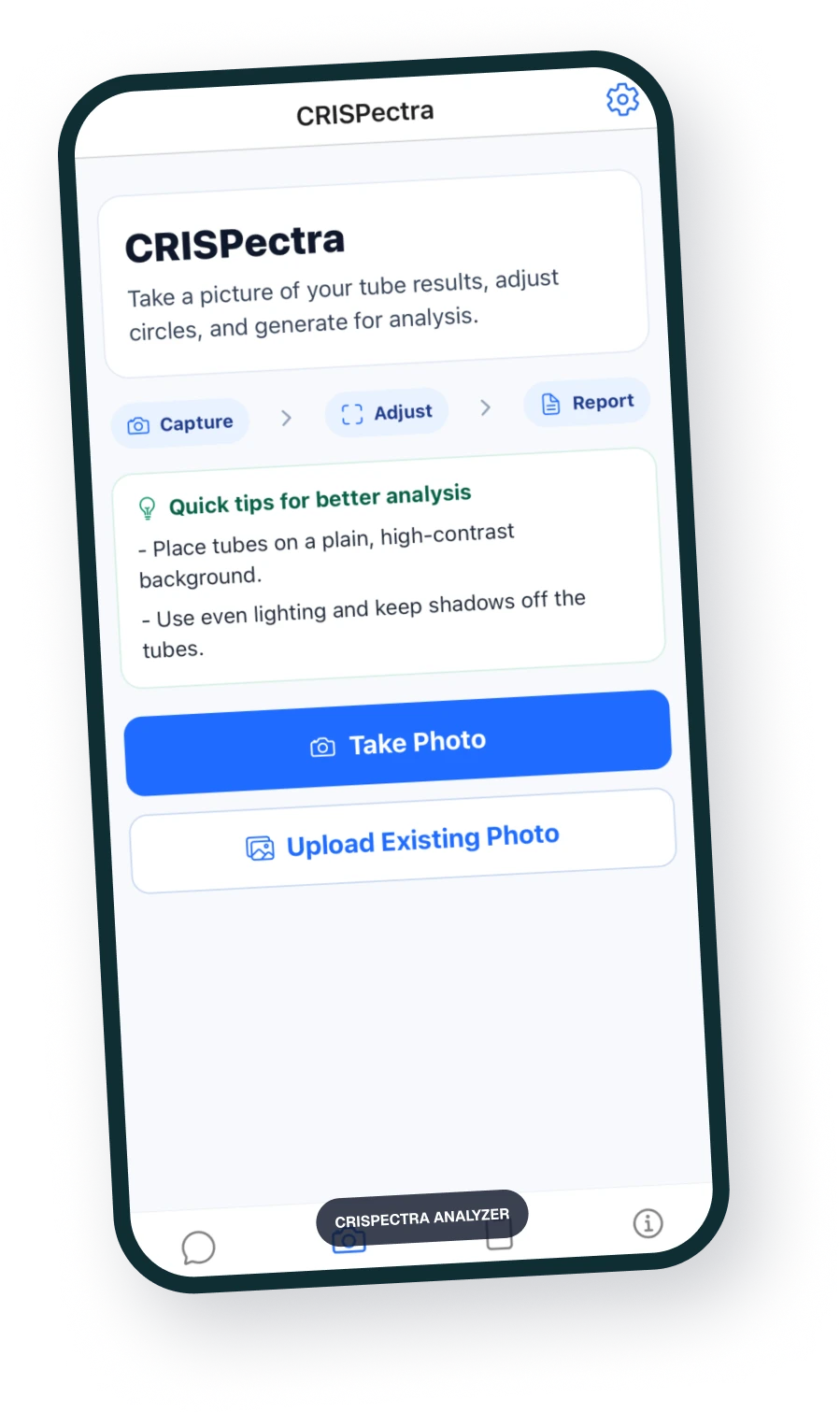
Students photograph the four reactions, place the NC, PC, NG, and G sample regions, then review normalized intensity and guide/no-guide knockdown results.
Photograph the result
Take a new photo or upload an existing image of the four tubes.
Place the sample regions
Position the NC, PC, NG, and G circles over the correct tube regions.
Interpret knockdown
Review normalized values, guide/no-guide knockdown, and an analysis plot.
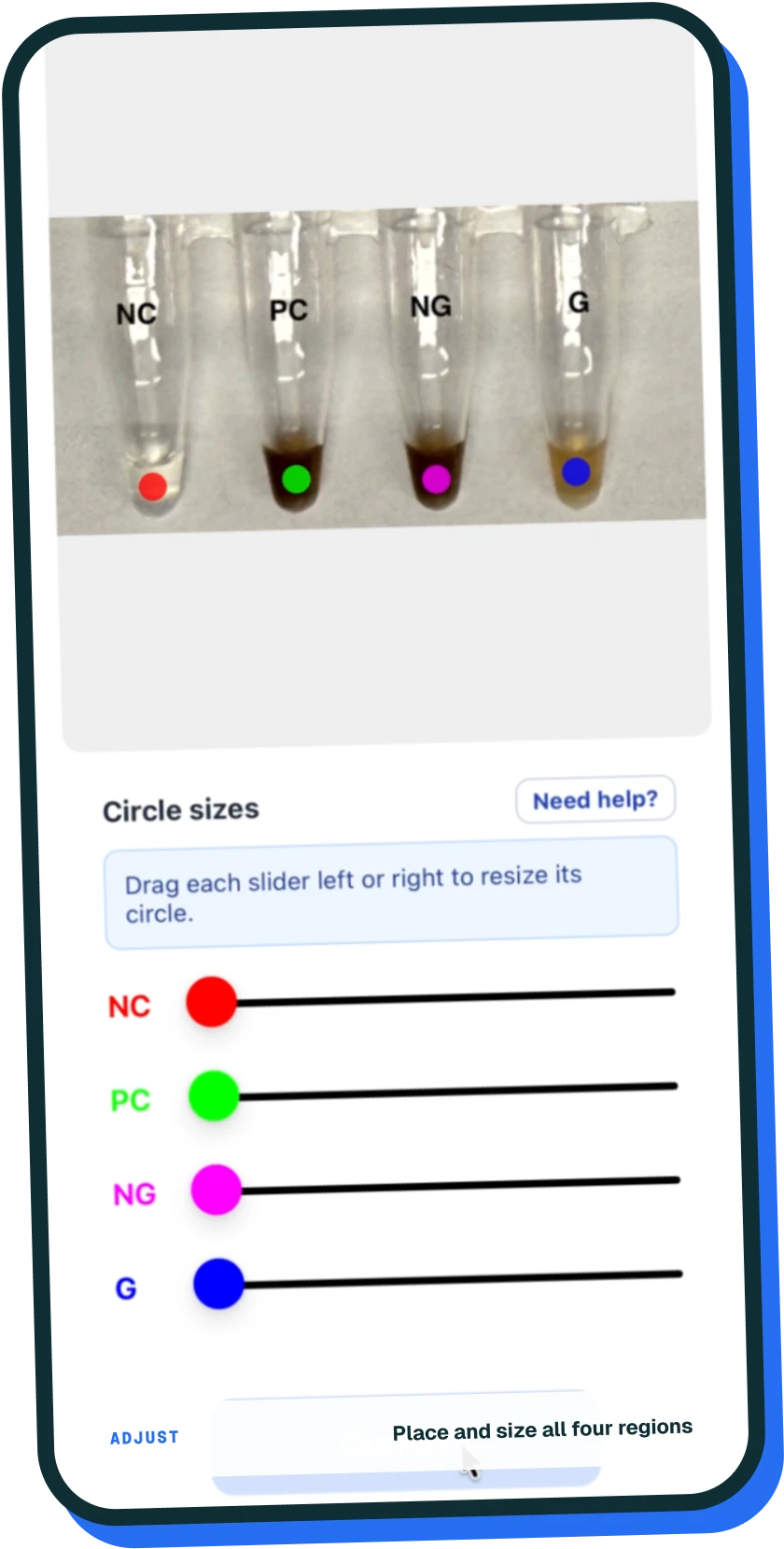
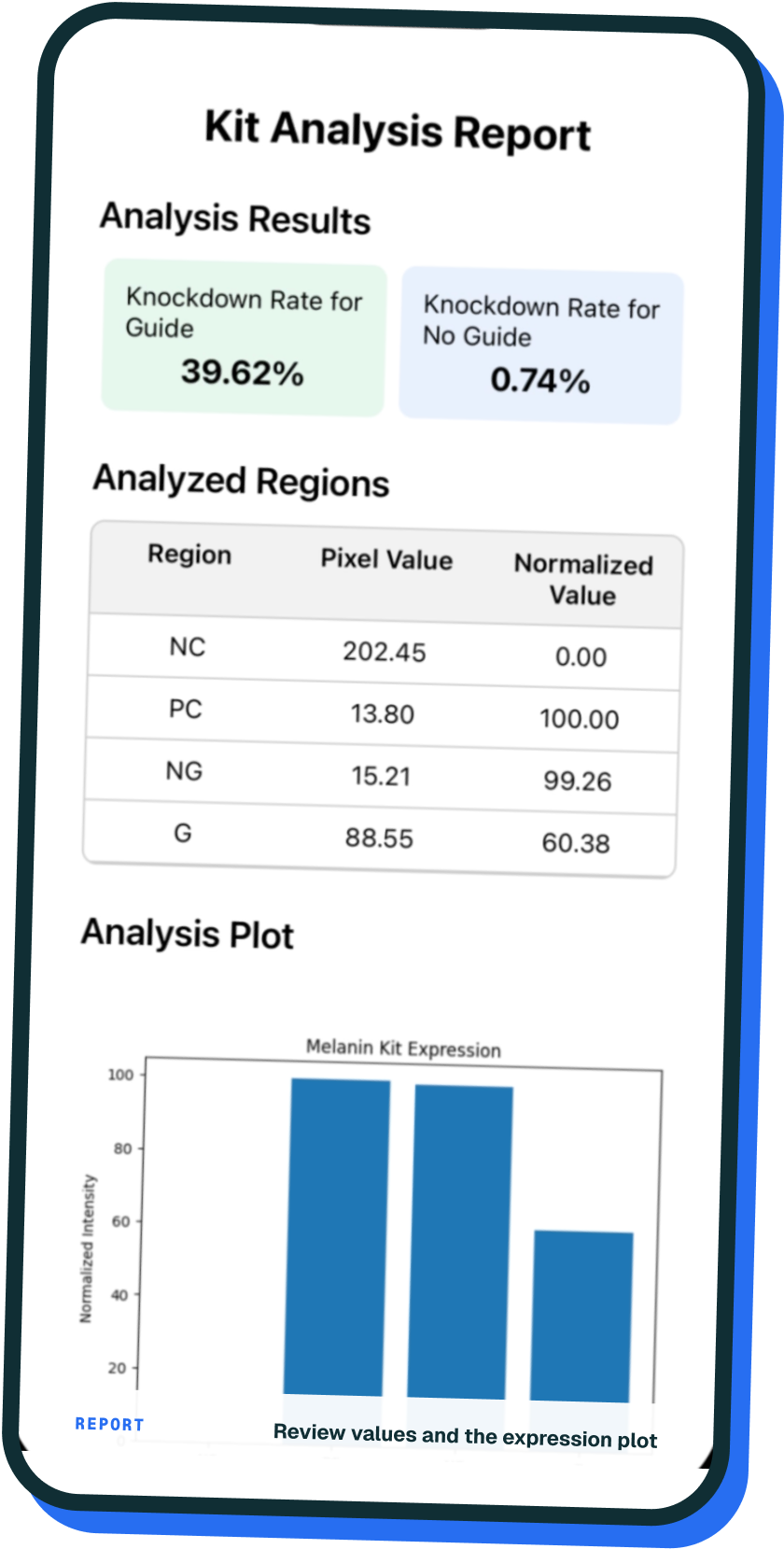
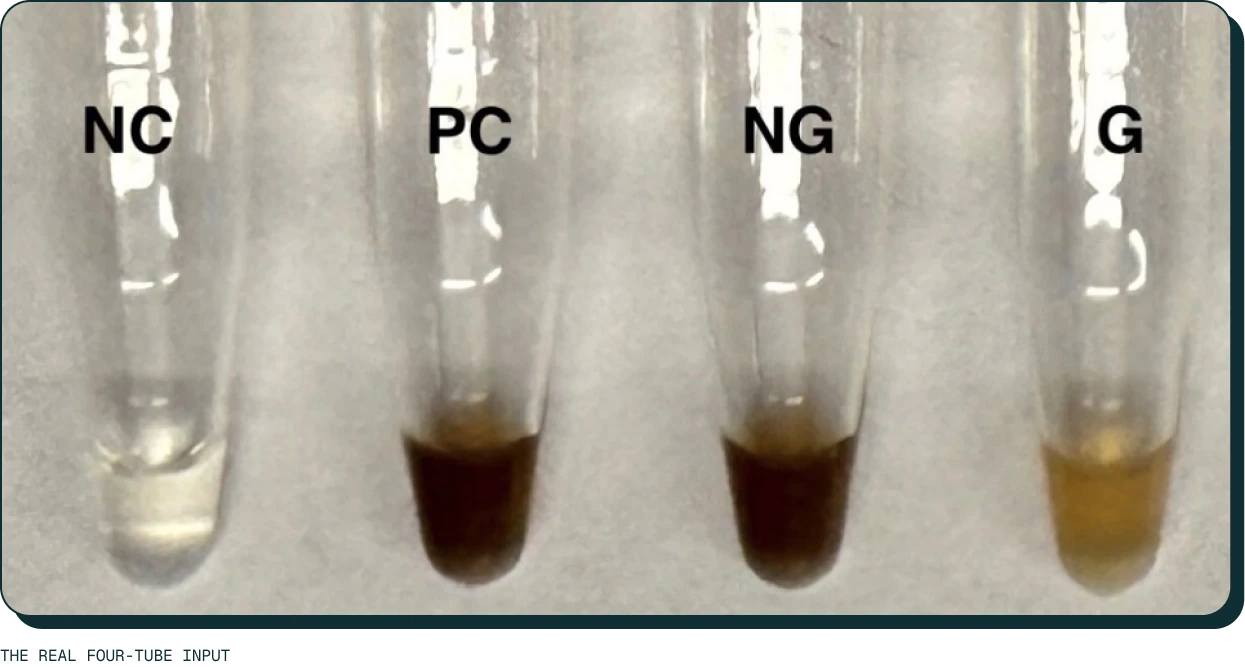
A result you can see
Analyzing the experiment results.
Analysis begins with the controls. Students photograph the experiment results, then use CRISPectra to create a clear report they can compare, interpret, and discuss.
More than image analysis
Built around the lab workflow.
- Ask
Protocol-aware questions
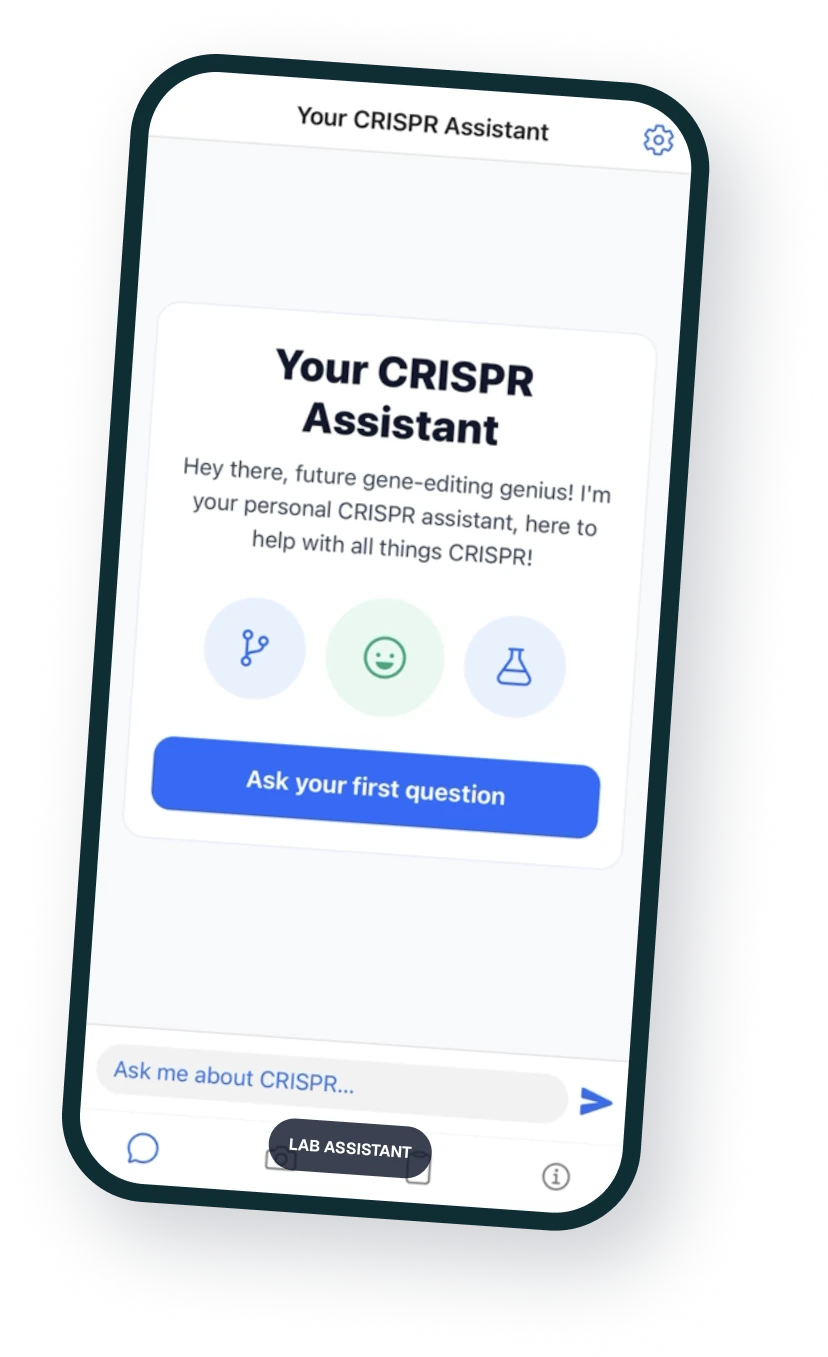
Ask about the biology, protocol steps, troubleshooting, and results — with teacher supervision.
- Reflect
CRISPectra
Photograph the results and get a clear analysis report.
- Reflect
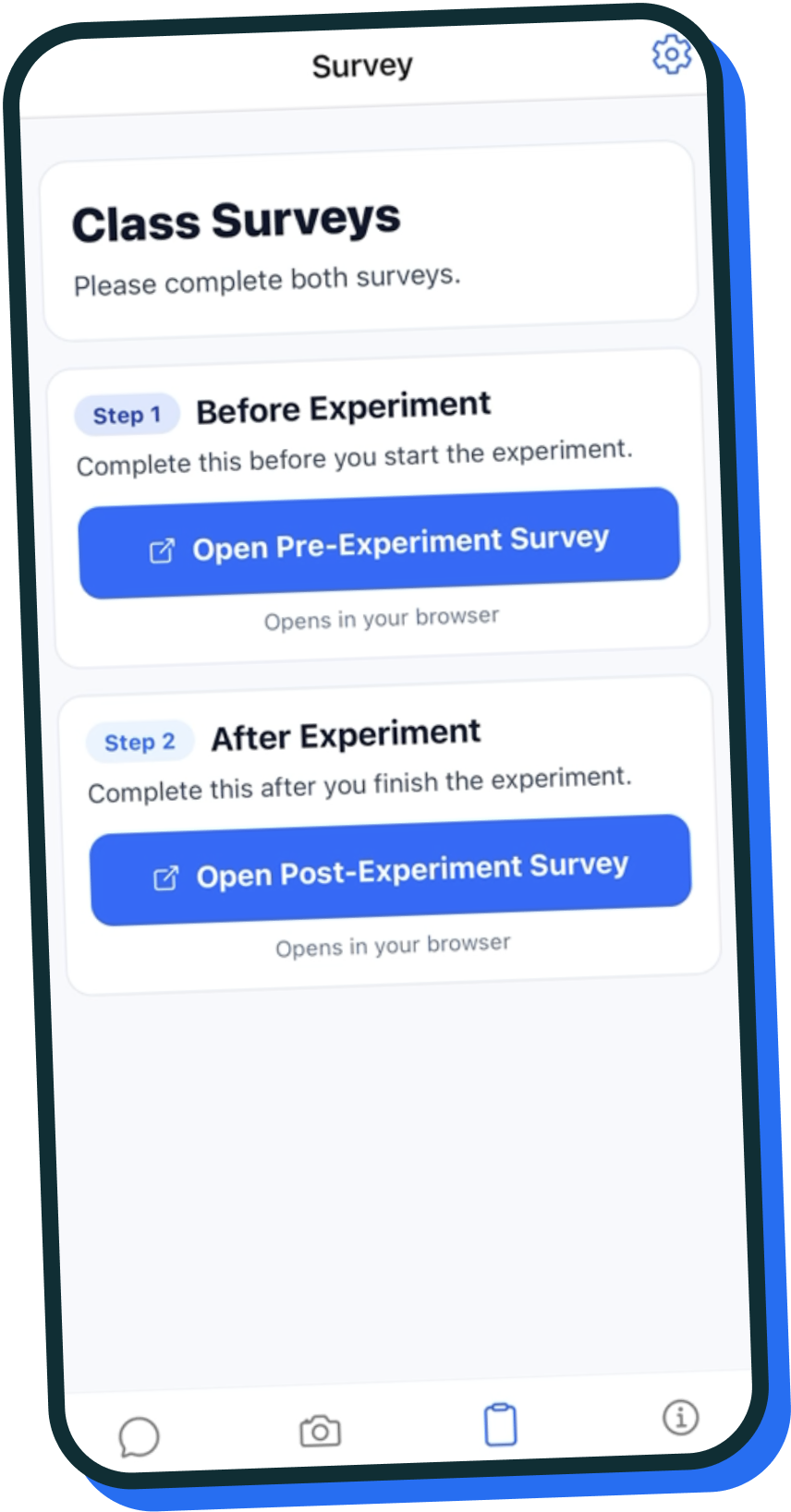
Before-and-after surveys
The app links students to pre- and post-experiment surveys.
Connecting back to our mission
Why we built CRISPR Companion?
CRISPRkit began by allowing students to complete a CRISPR experiment in classrooms. The Companion grew from the next classroom need: helping students understand what those results mean and find their footing in an unfamiliar lab. Our current app lets students photograph their NC, PC, NG, and G tubes, build a report, ask questions when something is unclear, and complete class surveys. The teacher and printed protocol stay central; the app gives students another way to connect each step to what they see.
Work with CRISPRkit
Want
to Connect?
Connect with CRISPRkit about classroom pilots, curriculum, research, distribution, or access partnerships.